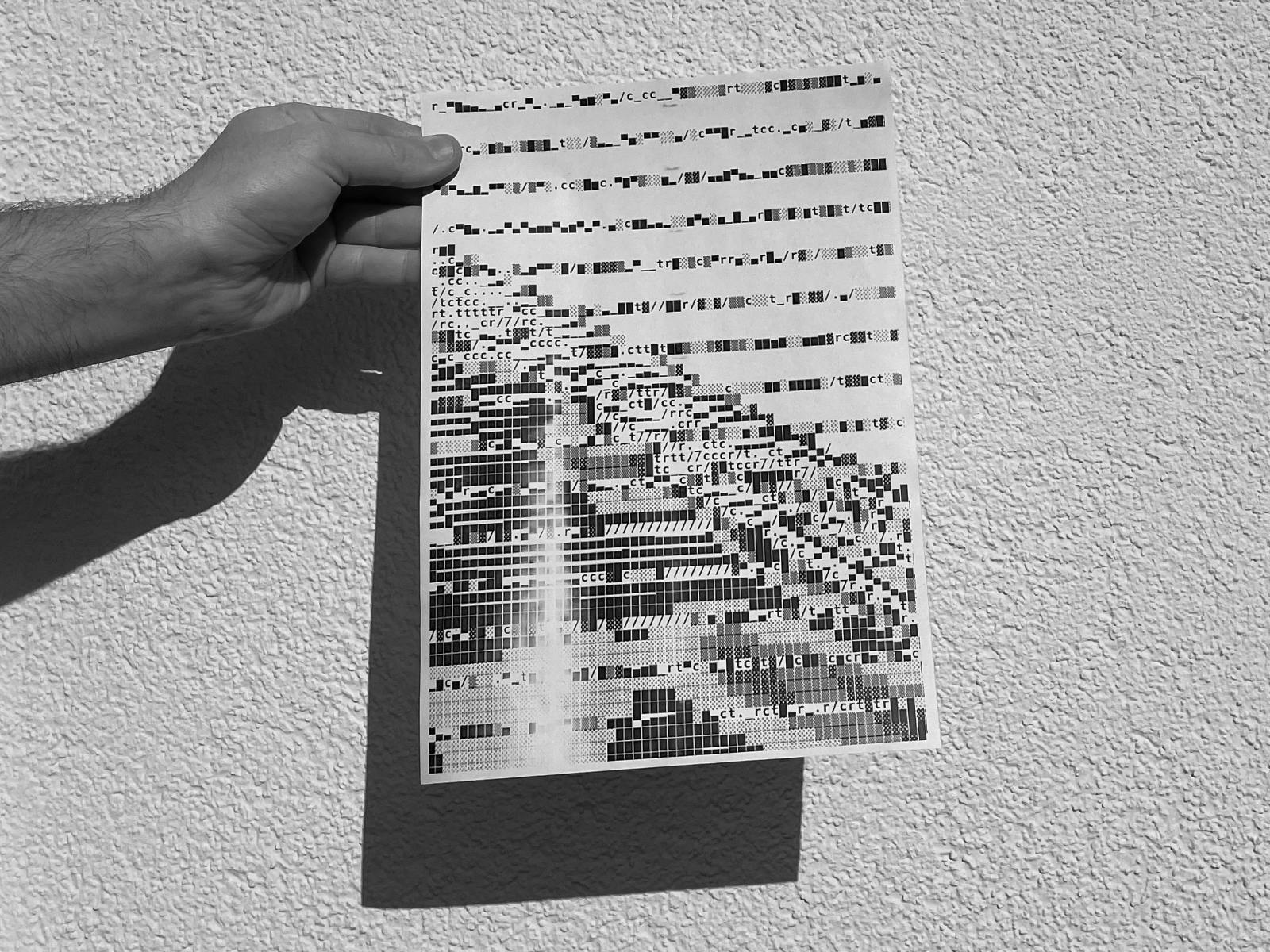
Building a Poster Design Tool
In this series of sessions I demonstrate how you can develop a flexible design tool including a user interface with Processing and the library controlp5.
Session 003 / Part 1

By loading the video, you agree to Vimeos’s privacy policy.
Learn more
In this video
- Implementation of a slider with the controlP5-library
- Connecting the slider with a variable
Session 004 / Part 2
By loading the video, you agree to Vimeos’s privacy policy.
Learn more
In this video
- Implement multiple sliders
- Structure your code with functions
- Implement an image
- Implement a font
- Implement PGraphics for an independent design-surface
- Add text to the poster-surface
Session 005 / Part 3
By loading the video, you agree to Vimeos’s privacy policy.
Learn more
In this video
- 2D-sliders with ControlP5
- Implement a button/bang-component with ControlP5
- Save an image from the PGraphics-object on button click
Session 006 / Part 4
By loading the video, you agree to Vimeos’s privacy policy.
Learn more
In this video
- Code-refactoring
- Implement buttons to change the color of the font
- Implement another 2D-slider for three-dimensional image-rotation
Session 007 / Part 5
By loading the video, you agree to Vimeos’s privacy policy.
Learn more
In this video
- Refining and styling the UI
- Restructuring the UI with tabs
Session 008 / Part 6
Session 009 / Part 7
Related links
Bi-Weekly Updates
Active patrons in a paid tier get regular updates on new content, lessons and courses. For learners. On Fridays, 4pm CET.
Quarterly Newsletter
I share four e-mail newsletters per year: personal reflections on Creative Coding, Design and life with Technology, directly to your inbox.